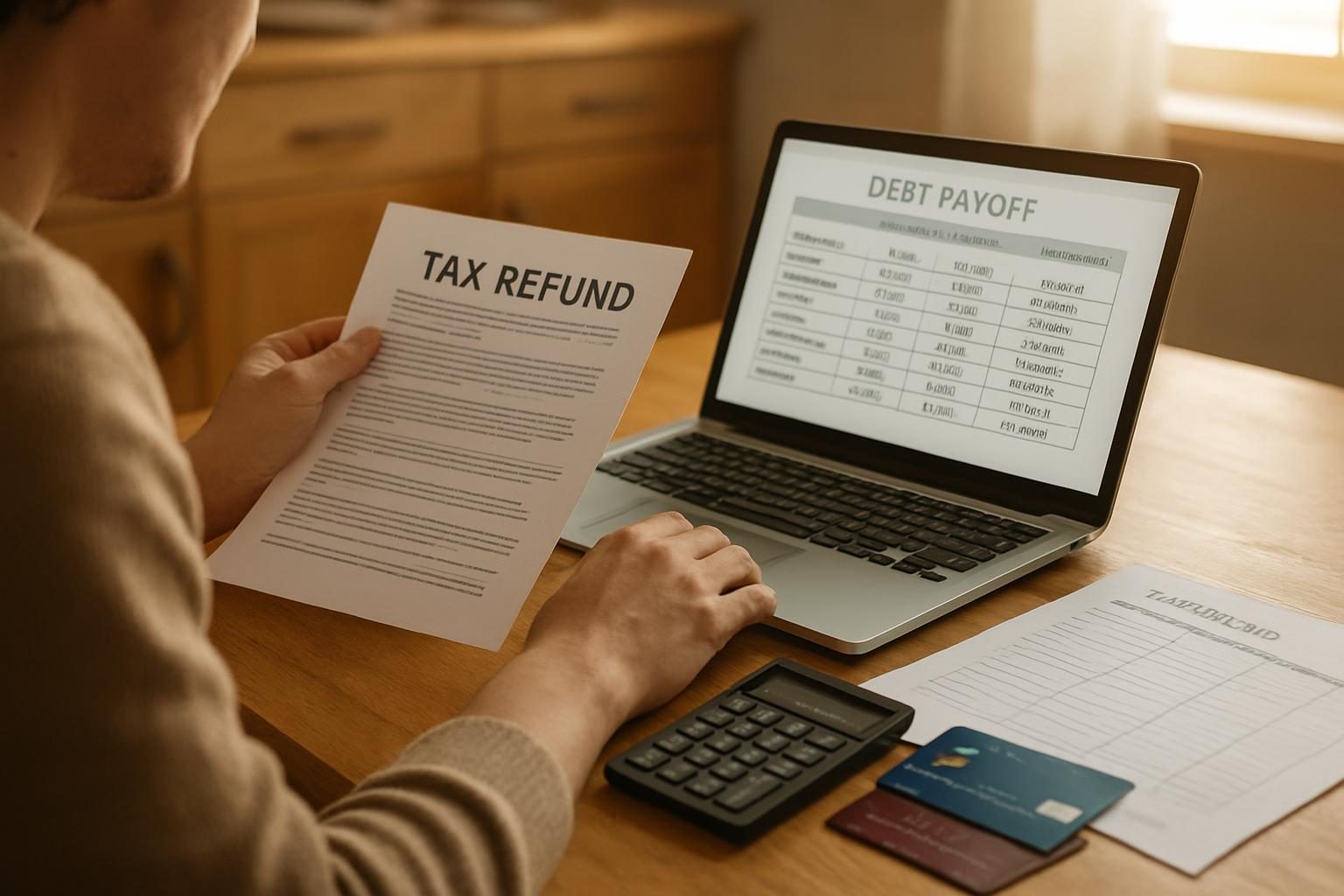
Quick answer: Most people do not need a paid app to pay off debt. A free spreadsheet or calculator handles the math of a snowball or avalanche plan just fine, while debt payoff apps add reminders, automatic balance syncing, and visual progress. Pick the tool you will actually open every week, and keep your sensitive data as limited as possible.
Key takeaways
- The payoff math is simple enough for a spreadsheet; apps mainly add convenience and motivation.
- Syncing bank accounts is the biggest privacy trade-off, and it is usually optional.
- Free tools cover the essentials; paid tiers mostly add extras like extra reports or account syncing.
- The best tool is the one you check consistently, not the one with the most features.
If you are searching for debt payoff apps, you are probably trying to decide whether to download something shiny or just open a blank sheet. This guide breaks down what each option really does, what to check before you hand over your data, and how to choose. Want to also see if a lower rate could speed up your plan? You can request free options to lower your interest rate using the form on this page.
What Debt Payoff Apps Actually Do
Strip away the branding and every debt payoff tool does the same core job: it takes your balances, rates, and minimum payments, applies your extra money in a set order, and shows you a payoff date. That is the whole engine.
Most apps then wrap that engine in extras. Think of the categories below rather than specific brands:
- Dedicated payoff planners: Built only for the snowball and avalanche methods. You enter debts manually and get a schedule and a debt-free date.
- Budgeting apps with a debt feature: Track spending and bills first, with payoff planning as a side module.
- Net-worth and account aggregators: Pull in balances from your bank and card accounts and display debt alongside everything else.
- Calculator-style web tools: No download, no account. Type in numbers, see a result.
If you just want the math, our free Debt Burn-Down Calculator does it without any sign-up. For a deeper walkthrough of the two main strategies, see the debt payoff plans guide.

A Simple Spreadsheet Can Do More Than You Think
A spreadsheet is the original debt payoff tool, and it is still hard to beat for transparency. You see every formula, you control every number, and nothing is stored on someone else’s server.
A basic payoff sheet needs only a few columns:
- Debt name (card, loan, BNPL plan)
- Current balance
- Interest rate (APR)
- Minimum payment
- Payoff order (smallest balance first for snowball, highest rate first for avalanche)
From there, a monthly row for each debt shows the balance dropping as you add your extra payment. When one debt hits zero, its payment rolls into the next. That rollover effect is explained in detail in debt stacking and the rollover payment.
Want to skip building it from scratch? Grab the free debt snowball spreadsheet and follow the setup steps, or print the debt snowball worksheet if you prefer pen and paper.
Pro tip: Whatever tool you use, update balances on the same day each month, such as the day after your last bill posts. A plan built on stale numbers drifts from reality fast.
The best debt payoff tool is the one you still open in month seven.
The Debt Payoff Apps Feature Checklist
Before you commit to any app, run it through this checklist. Not every feature matters to everyone, so mark the ones that fit your habits.
Features worth wanting
- Both snowball and avalanche modes: You should be able to switch methods and compare the interest cost and payoff date.
- Extra-payment scenarios: A “what if I add $100?” slider is the most motivating feature there is.
- Payment reminders: Helpful if you have missed due dates before, especially with several small accounts.
- Progress visuals: Charts and thermometers make a long journey feel real. See our ideas in debt-free charts.
- Multiple debt types: Cards, student loans, auto loans, personal loans, and buy now, pay later plans should all fit.
- Export option: You should be able to download your data if you quit the app.
Features that sound good but are optional
- Automatic balance syncing: Convenient, but it requires linking financial accounts (more on that below).
- Credit score displays: Nice to see, but they do not change your payoff math.
- Gamified badges and streaks: Fun for some people, noise for others.

Privacy Considerations Before You Link Anything
Debt payoff apps handle some of the most sensitive information you have. A few minutes of checking up front is worth it.
Ask these questions before signing up:
- Is account linking required? Many apps work fine with manually entered balances. If linking is optional, consider skipping it.
- What does the privacy policy say about selling or sharing data? Look for language about third parties, advertising partners, and marketing.
- How is data protected? Look for statements about encryption and two-factor authentication.
- Can you delete your data? A trustworthy tool lets you close your account and remove your information.
- How does the app make money? If it is free and you are not paying, find out what the business model is.
Many apps that connect to your bank use a third-party data aggregator. That means your credentials or access tokens may pass through another company. The Consumer Financial Protection Bureau publishes general guidance on sharing financial data with third parties at consumerfinance.gov, which is worth a read before you connect accounts.
A spreadsheet avoids nearly all of this. If you store it on your own device, nothing leaves your control. If you use a cloud spreadsheet, turn on two-factor authentication for that account.
Entering balances by hand takes five minutes a month and keeps your bank logins to yourself.
Free vs. Paid: What You Are Really Buying
We are not going to quote prices here, because they change often and vary widely. Instead, think in terms of what paid tiers generally add compared with free ones.
- Free tools typically include: A basic payoff schedule, a snowball or avalanche toggle, and a debt-free date estimate.
- Paid tiers typically add: Account syncing across many institutions, deeper reports, ad removal, extra scenario modeling, and priority support.
Here is the math-first way to judge any subscription: a paid tool has to earn its keep. If a subscription costs a few hundred dollars over a year, but your payoff plan only saves a similar amount in interest compared with a free option, you are paying to feel organized, not to get ahead. Money spent on a subscription is money not going to your balance.
Before paying for anything, try this sequence:
- Run your numbers in a free calculator, like the debt payoff calculator.
- Test a free spreadsheet for one full month.
- Only consider a paid app if you have a specific problem the free route did not solve, such as tracking a dozen accounts.
How to Choose: App, Spreadsheet, or Both
Match the tool to your personality and situation:
- Choose a spreadsheet or printable if you want full control, hate subscriptions, or have fewer than six debts. Our debt payoff tracker printables are a good starting point.
- Choose an app if you need reminders, like seeing charts on your phone, or manage many accounts and want everything in one view.
- Use both if you want an app for daily nudges and a spreadsheet as your source of truth.
No tool changes the underlying equation: your payoff speed depends on how much you pay and what rate you pay it at. That second part is where a tool cannot help, but a lower rate can. A 0% balance transfer, a consolidation loan, or a refinance can shrink the interest piece and let more of every payment hit principal. If you want to see what is available, you can request your free rate-lowering options through the form on this page, and read the balance transfer guide to understand the trade-offs first.
Once you have picked a tool, the next step is putting a plan in it. How to make a debt payoff plan in one evening walks through it. If you are weighing strategies, this comparison is a natural follow-up: balance transfer vs. debt snowball.
Frequently Asked Questions
Are debt payoff apps worth it?
They can be, if the reminders and visuals keep you consistent. But the underlying math is the same as a free calculator or spreadsheet. If an app helps you stick to the plan, it earns its place; if you stop opening it, it does not.
Is it safe to link my bank accounts to a debt payoff app?
It depends on the app’s security practices and how it handles your data. Many tools work with manually entered balances, which avoids the risk entirely. If you do link accounts, read the privacy policy, enable two-factor authentication, and use an app you trust.
Should I use the snowball or avalanche method in an app?
Avalanche (highest rate first) generally costs less in interest, while snowball (smallest balance first) delivers quicker wins that help many people stay motivated. Good tools let you compare both. Our debt avalanche method guide covers the math.
Can a spreadsheet track student loans, car loans, and BNPL plans too?
Yes. Any debt with a balance, rate, and minimum payment fits in the same sheet. For specific loan types, see the guides on student loans and BNPL and other debt.
This article is educational and not financial advice. For decisions specific to your situation, consider speaking with a qualified financial professional.
Get free options to lower your interest rate
A partner will share free, no-obligation options to help you lower your rate and pay off debt faster.